01
Prepare with a clear scope
Set out the workplace, criteria and audit questions before you begin. Keep the audit focused on what you need to assess.
 AuditSafeAudits & assurance
Plan your audit, record the evidence behind each finding and keep corrective actions in view. AuditSafe gives your audit a clear path from preparation to follow-up.
No sign-in needed for the fictional demo.
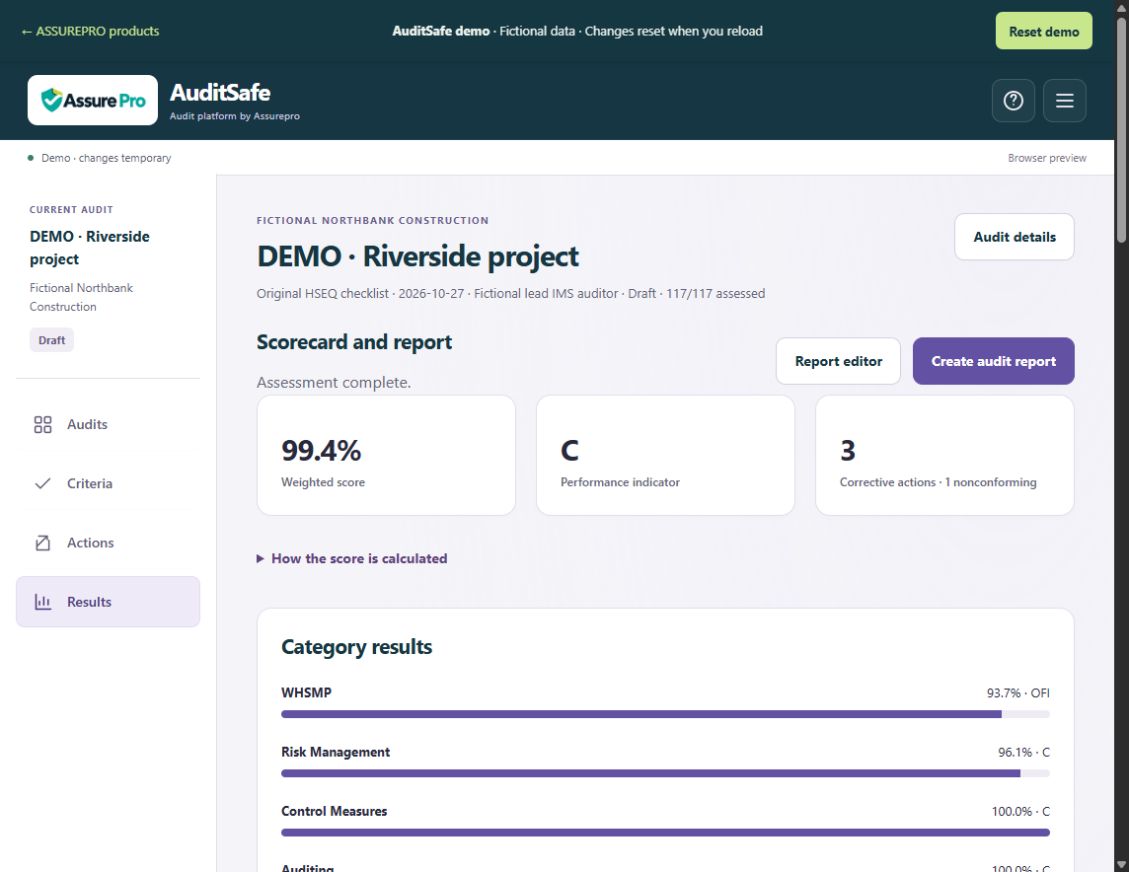
FICTIONAL DEMONSTRATION
Explore the workflow first. We will help you assess whether it fits your team.
Set out the workplace, criteria and audit questions before you begin. Keep the audit focused on what you need to assess.
Record observations and supporting evidence together, so you can explain why a finding was raised.
Identify the correction, responsible person and verification needed before an action can be closed.
Offline Android app. Online platform in development. Contact us to confirm the current build and access options.
Choose the scope and relevant criteria, then identify the people and evidence you need.
Work through the questions, capture evidence and explain your findings.
Review the report, agree actions and record the evidence used to verify completion.
Use fictional information only. Demo changes are separate from client workspaces.
Keep the information for a task together. As you use the service, compare how long it takes your team to find the right record.
Use an agreed next action and the supporting information to make handovers easier to follow.
Agree the available functions, users, sites and support with us before you commit. Savings depend on your workflow; no measured saving is promised.
Yes. The interactive demo uses fictional examples. Keep real business, worker and confidential information out of the demo.
No. AuditSafe supports recording and reviewing audit work. Certification and audit conclusions remain the responsibility of the authorised people and relevant assessment bodies.
Contact Assurepro about the current Android build, your audit process and setup needs. Online availability and included features will be confirmed before you commit.
Tell us about your work. We will explain the current options, pricing and next step.
Please keep confidential records, health information and passwords out of your enquiry.